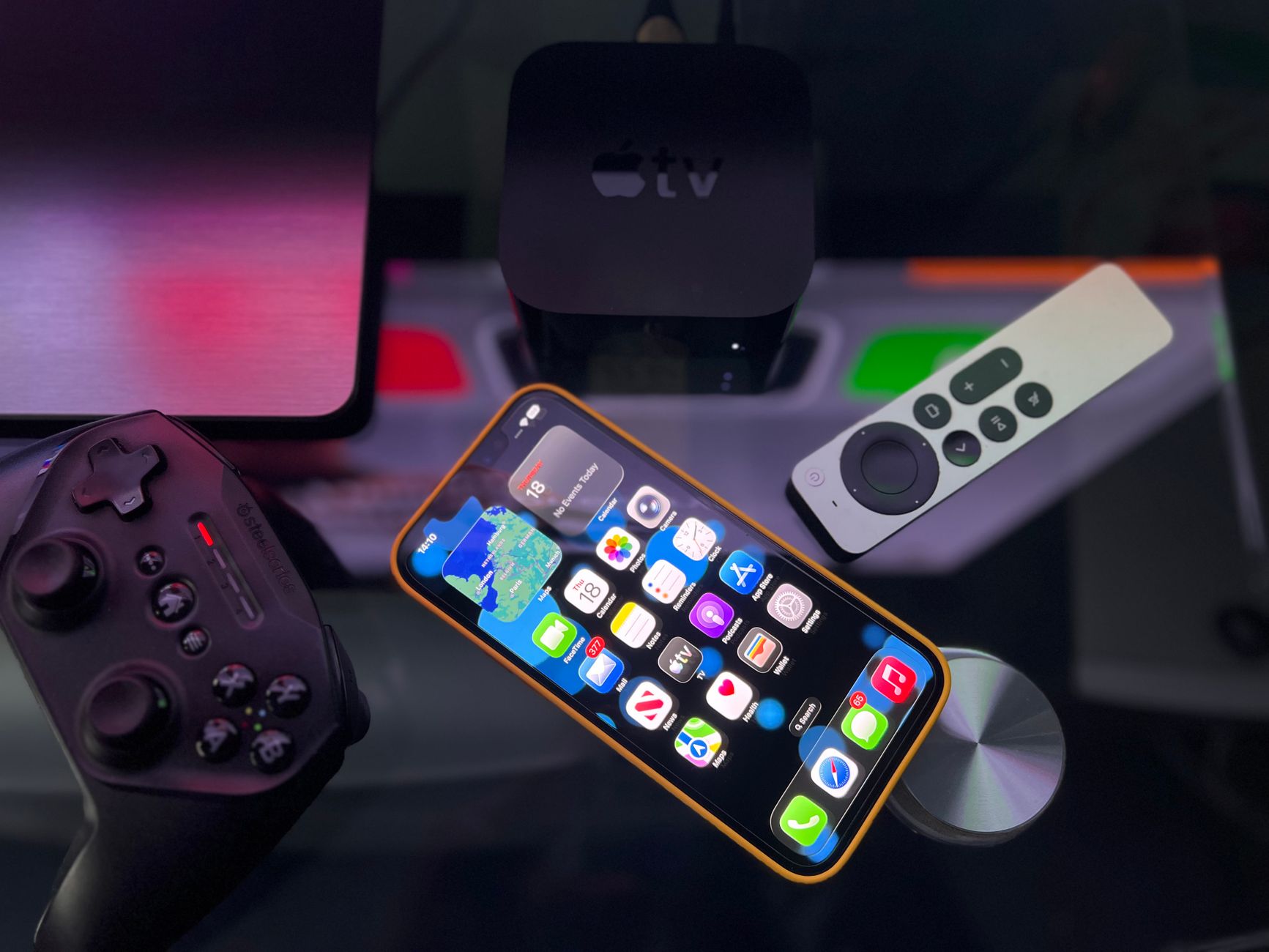
The Apple TV profiles feature is a significant update that enhances user experience on iPhone. With this new addition, users can easily manage their profiles and preferences.
What is the Apple TV profiles feature?
The recently introduced Apple TV profiles feature allows users to create personalized viewing experiences for each family member directly from their iPhones. With the rollout of iOS 27.2, this update enhances the way content is organized and recommended based on individual preferences.
By enabling unique profiles, users can enjoy tailored content suggestions, watch histories, and playlists. Each profile retains its own settings, ensuring that users do not have to sift through mixed recommendations or shared watch lists. This makes it simpler for families to share an Apple TV device without compromising on personal viewing habits.
Here are some key benefits of the Apple TV profiles feature:
- Personalized Recommendations: Each user receives suggestions based on their viewing history and preferences.
- Separate Watch Lists: Users can maintain their own lists of shows and movies, making it easier to track what they want to watch.
- User-Friendly Interface: Switching between profiles is a straightforward process, enhancing user experience.
This feature not only elevates the Apple TV experience but also positions it as a more family-friendly entertainment solution, accommodating diverse viewing tastes efficiently.
How to set up profiles on Apple TV
Setting up profiles on Apple TV is a straightforward process that enhances your viewing experience by personalizing content for each user. Here’s how to get started with the Apple TV profiles feature:
- Update Your Device: Ensure your Apple TV is running the latest version of tvOS. This feature is available with iOS 27.2 on your iPhone.
- Access Settings: Open the Settings app on your Apple TV and navigate to the Users and Accounts section.
- Add a New Profile: Select Add New Profile and follow the on-screen prompts to create a profile for yourself or another user. You can customize the profile with a name and an avatar.
- Switch Profiles: To switch between profiles, simply go to the top of the home screen and select the profile icon. You can quickly switch to another user’s profile to access their personalized content.
- Manage Profiles: You can also edit or delete profiles from the same Users and Accounts section in the settings.
This new Apple TV profiles feature makes it easier for families or shared households to enjoy tailored content without interference.
Benefits of using profiles on Apple TV
The introduction of the Apple TV profiles feature brings several advantages for users looking to enhance their viewing experience. By allowing multiple profiles, each user can enjoy personalized content tailored to their preferences.
One of the primary benefits is the ability to maintain individual watchlists. Each profile can track its unique shows and movies, ensuring that recommendations stay relevant to the user’s tastes. This feature minimizes the chance of unrelated or unwanted suggestions appearing on the main screen.
Moreover, profiles enable distinct viewing histories. Users can revisit their favorite titles without confusion, as each profile records only the activity relevant to that user. This separation is particularly beneficial in households with varying age groups, where parental controls can be set for younger viewers.
Additionally, the profiles feature supports personalized settings for streaming quality and playback preferences. Users can adjust these options according to their individual needs, leading to a smoother viewing experience.
In summary, the Apple TV profiles feature not only enhances personalization but also fosters a more organized and enjoyable way to consume content on the platform.
User feedback on the new feature
User feedback on the new Apple TV profiles feature has been overwhelmingly positive since its introduction in the recent iOS 27.2 update. Many users have expressed their appreciation for the increased personalization options, which allow family members to have their own viewing preferences saved separately.
One user noted, “The profiles feature has transformed how we watch TV as a family. Now, we each get recommendations based on what we like, instead of sifting through everyone else’s choices.” This sentiment is echoed by many who have found the tailored suggestions to be a game changer.
Another common point of praise revolves around the ease of use. “Setting up the profiles was a breeze,” said another satisfied user. “I love that my kids can have their profiles, and I don’t have to worry about them accidentally watching something inappropriate.”
However, some users have pointed out a few areas for improvement. A small number have experienced glitches when switching between profiles. Despite these minor issues, the general consensus remains that the Apple TV profiles feature is a welcome addition, enhancing the overall viewing experience.
Photo by Déji Fadahunsi on Pexels